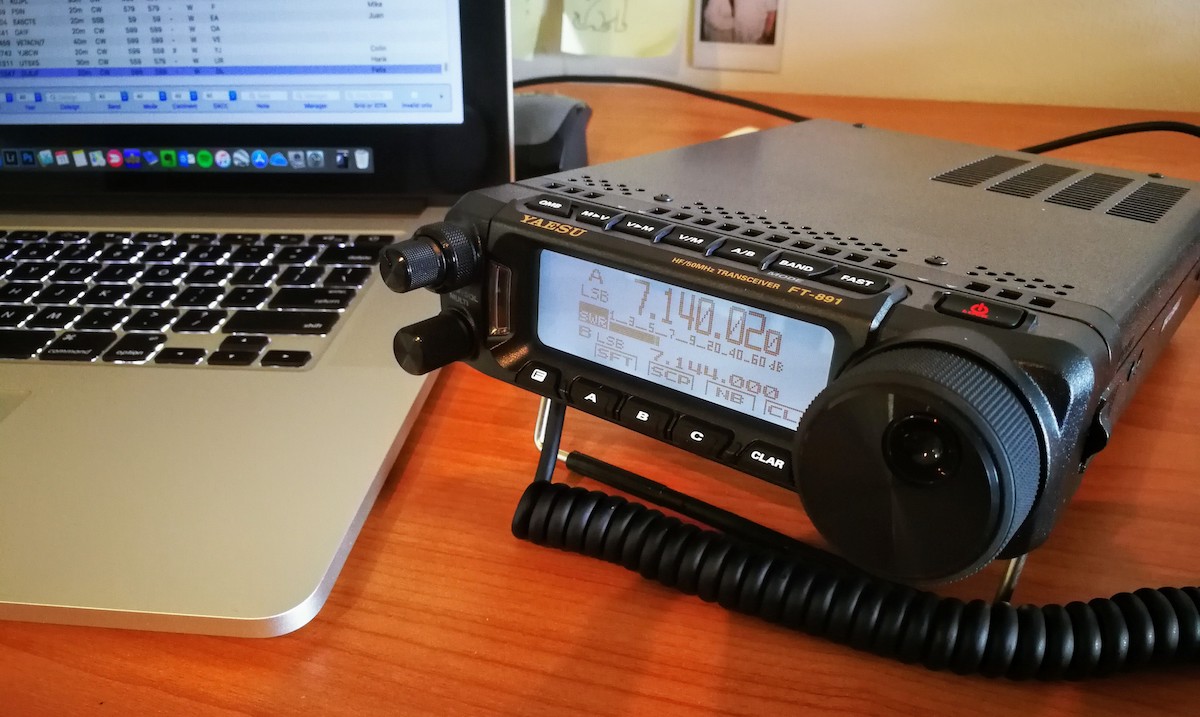
If you’re considering buying either the FTDX10 or FT-710 and wondering what the differences are between these two transceivers, this article offers a user-experience-based comparison. It focuses on how each radio performs in real-life scenarios – what works well, what the pain points are, and what could have been done better.
Receiver Performance
The RX performance of both radios is almost identical. After three weeks of side-by-side testing, I only noticed slightly better CW selectivity on the FTDX10, and even that was marginal despite its roofing filters.
With both radios set to 500Hz bandwidth and identical settings, the difference was barely perceptible when a strong adjacent signal appeared. I found that on the FTDX10, I could approach the signal roughly 40Hz closer before detecting any audio. On SSB, there was no noticeable difference.
NB, DNR, DNF
No differences were observed in the operation or effectiveness of NB, DNR, or DNF features between the two radios.
Display
The FTDX10 has a larger and brighter display, although its cooler blue tone can become a bit tiring during night-time operation. By contrast, the FT-710 offers a warmer screen hue that’s easier on the eyes during extended use.
Size and Weight
While the numerical differences aren’t dramatic, the FTDX10 is noticeably larger and heavier when the two radios are placed side by side.
FTDX10 dimensions (WHD): 266 x 91 x 263 mm (10.47 x 3.58 x 10.35″); Weight: 5.9 kg (13 lb)
FT-710 dimensions (WHD): 239 x 80 x 247 mm (9.41 x 3.15 x 9.72″); Weight: 4.5 kg (9.92 lb)
AF/RF Knobs
One of my least favourite aspects of the FTDX10 is the placement of the AF/RF knobs—bottom-left of the main VFO dial. With most users being right-handed, this was an odd design choice by Yaesu.
Thankfully, on the FT-710, these controls have been moved to the right of the VFO dial.
However, instead of a dual-function knob, they’ve split AF and RF into separate controls, which wastes valuable front panel real estate. This feels like a regression to the FT-991A logic, rather than a sensible evolution.
VFO Outer Dial vs STEP/MCH
I prefer the FT-710’s approach to fast tuning via the STEP/MCH dial. It allows for configurable step sizes (1–20 kHz per notch) and works quite well – similar to what Kenwood radios offer.
However, the outer VFO dial (MPVD) on the FTDX10 allows you to control the Clarifier and assign it a custom function (via the C.S. key). I personally use it to adjust the Level setting, while the FUNC knob adjusts CW speed.
Clarifier
The FTDX10’s implementation is significantly better. It features separate keys for CLAR TX and CLAR RX, both controlled via the outer VFO dial—simple and effective.
The FT-710 opts for a minimalist approach that, in my view, misses the mark. A single Clarifier key cycles between RX, TX, and RX+TX modes, and you need to press it three times to turn it off.
Clarifier controlled by the main VFO dial, so you must disable Clarifier before you can tune the frequency again.
Custom Function (C.S.)
This is a great feature on the FTDX10 and unfortunately absent on the FT-710. The C.S. button lets you assign one of 16 functions (e.g. Level, Peak, Contrast, Dimmer, M-Group, Mic Gain, etc.). A real convenience that FT-710 misses out on.
Shift / Width / Notch / Contour / APF
The FTDX10 has dedicated knobs for all these key functions. On the FT-710, they’re buried in the DSP menu (accessed by pressing the STEP/MCH knob).
While Shift, Width and Notch are manageable this way, using Contour and especially APF is far less intuitive and quite frustrating.
NAR Key
Adjusting bandwidth on the FTDX10 is simple – you just turn the dedicated knob. You can also select a roofing filter via the touchscreen and then adjust via the same knob. On the FT-710, it requires navigating the DSP menu, which is clunky.
That said, the FT-710 redeems itself slightly with a dedicated NAR key, configurable in the menu. For instance, you could set the NAR width to 350Hz for CW, and use 800Hz in the DSP menu for tuning. One button press takes you to the narrower filter, a nice, old-school-style feature.
Meter
Both radios have nearly identical meters, with one major difference: the FTDX10 displays peak power, while the FT-710 can be configured for either peak or average. Sounds great—until you realise that in peak mode, the FT-710’s meter permanently engages peak-hold with no option to disable it. The result is a very choppy and unpleasant display experience.
Front Panel Layout
Neither radio excels in front panel ergonomics. The FTDX10 has buttons crammed tightly between knobs and the VFO, far from ideal.
The FT-710 looks cleaner but makes questionable choices. Separating the AF and RF knobs is unnecessary, and the single Clarifier key is awkward. Some keys, like MODE, could easily be screen-based. Even BAND selection could have been moved to the screen, but wasn’t.

A better layout would have combined the AF/RF knobs to free space for a dedicated Clarifier control.
Pop-Up Selection Panels
The FTDX10 is notoriously inconsistent in pop-up selection panel timing. For details, see my FTDX10 deep dive review.
The FT-710 also has inconsistencies, but offers menu settings to control the timing (Slow, Medium, Fast), which helps a bit.
Using an Amplifier
The FTDX10 allows simultaneous use of an amplifier and the FH-2 keypad. The FT-710 does not.
If your amplifier requires an ALC connection, this must go into the REMOTE jack – rendering the FH-2 unusable at the same time.
Conclusion
While the FTDX10 and FT-710 share similar core performance, their differences lie in usability, ergonomics, and feature accessibility.
The FTDX10 offers more intuitive controls, better Clarifier handling, and useful customisation options like the C.S. key.
The FT-710, on the other hand, has a cleaner look, a more compact design, and some practical enhancements like the configurable NAR key.
Ultimately, choosing between the two comes down to your operating style and which compromises you’re willing to make in daily use.